A homeowner submits an inquiry through your website while your crew is on a job. Your office is handling another call, and nobody has time to write a thoughtful response immediately. That is a useful place to automate lead follow-up.
For established HVAC, plumbing, roofing, electrical, and remodeling businesses, the challenge is keeping communication consistent while making each homeowner feel heard. A name inserted into a generic message only goes so far.
The goal is a simple process: acknowledge the request, explain what happens next, and bring in the right person when the conversation needs attention. Your website starts that conversation. Your follow-up should carry it forward with the same clarity.

Start With One Clear Follow-Up Process
Before choosing software, map what should happen after a new inquiry. Who receives it? Who owns the next call? What happens when that person is unavailable?
Start with one common situation, such as a remodeling estimate request. Connect the form submission to a confirmation message, an assigned staff member, and a reminder to review the request. Keep the process small enough that your team can explain and manage it.
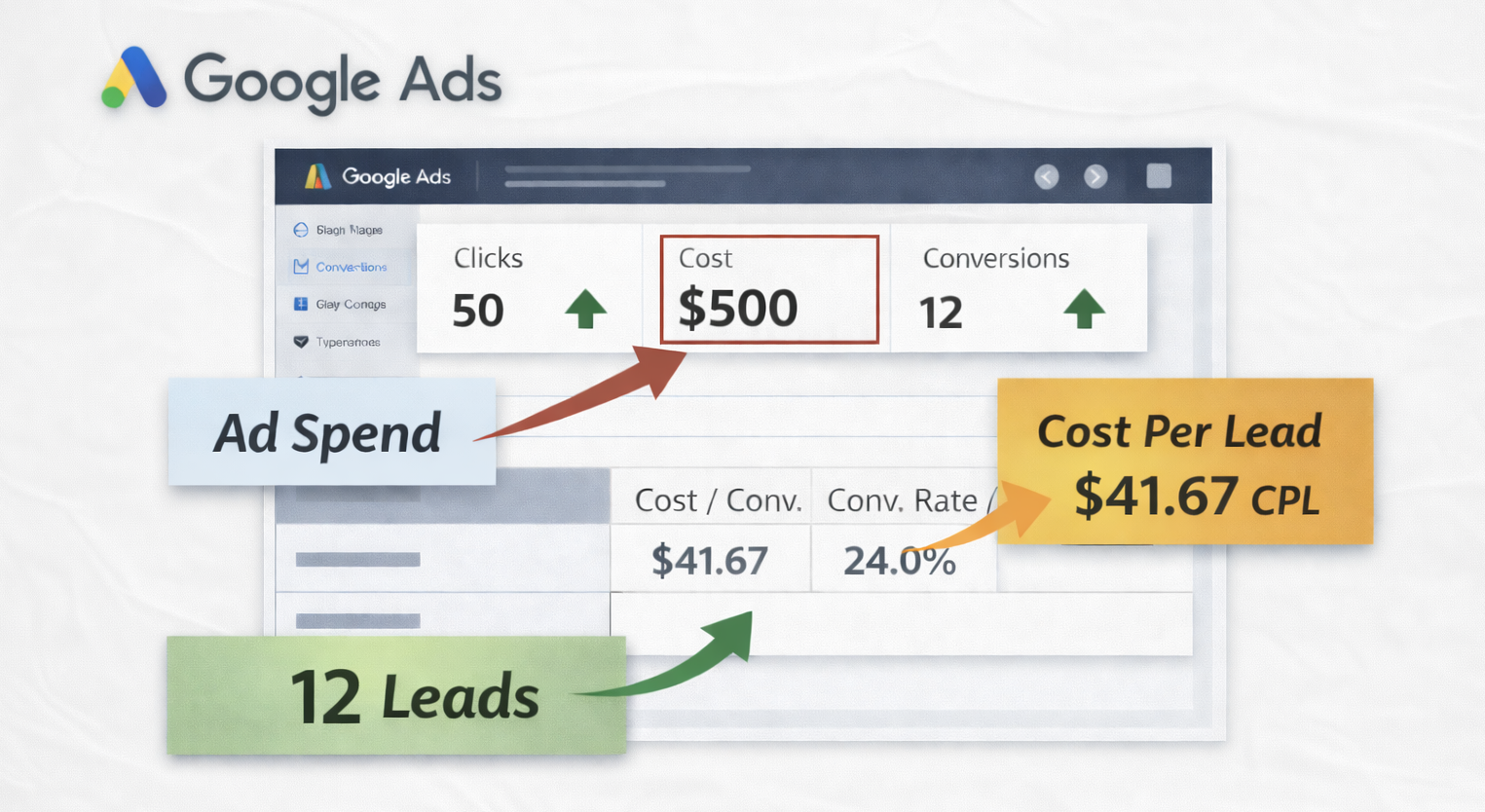
If you advertise, remember that Google Ads and lead follow-up work together. This process gives your team a defined next step after an inquiry arrives.
Personalize Around the Service Requested
Useful personalization reflects what the homeowner needs. Someone planning a kitchen renovation needs a different next step from someone requesting an air conditioning repair.
Use information the homeowner actually provided, such as the service requested and preferred contact method. Avoid asking them to repeat details already captured on your form.
A remodeling confirmation might say: “Thanks for contacting us about your kitchen project. We received your request. Our office will call during business hours to discuss your plans and explain the estimate process.”
Only use that wording if it matches your actual process. Do not promise a response time your team cannot consistently meet, or imply that an appointment is confirmed before it is scheduled.
Make Every Message Useful
A follow-up should give the homeowner a reason to read it. Confirm that their request arrived, explain the next step, or answer a practical question about preparing for a consultation.
For example, after a remodeling inquiry, a later message could ask whether the homeowner has photos of the existing space ready for the conversation. After an estimate has been delivered, a staff reminder could prompt someone to check whether the homeowner has questions.
Choose timing around the service and the customer’s situation. A planned roof replacement and an urgent plumbing problem should not receive the same sequence. Keep messages within your stated operating expectations, and avoid sending repeated reminders simply because the software allows them.
Give Real People Ownership of Replies
Send messages from an address your team monitors. Assign someone to review replies and give them access to the original request and communication history.
Define when a person should take over: questions about pricing, scheduling changes, complaints, unusual project requirements, or anything the template cannot answer accurately.
If you use AI to help draft responses, have a team member check details before sending. Availability, project scope, and pricing should come from your business’s confirmed information.
Stop Reminders When the Conversation Changes
A homeowner who has booked an estimate should not receive another message asking them to schedule one. Build stop rules for replies, bookings, declined requests, and requests to end communication.
For a concrete example, HubSpot documents sequence unenrollment rules for replies and meeting bookings under specified conditions. Check how your own platform handles these events, including appointments booked by phone.
Test the full process with a sample inquiry. Reply, book an appointment, and update the lead’s status. Confirm that the appropriate reminders stop and your assigned staff member sees the change.

Build a Process Your Team Can Keep Personal
Start with one service and review the first few conversations together. Look for repeated questions, awkward wording, missed replies, and messages that arrive after the homeowner has already taken action.
Track replies, appointments, and the inquiries that still need attention. Use those observations to improve the process before adding more messages or services.
Whether you serve Wilmington, Defiance, or surrounding communities, the personal touch comes from relevant communication and a team that follows through. Automation should support that standard.
Contact Holy Hill Media to discuss how automation and AI consulting could fit your home-service business’s lead follow-up process.